Here’s What’s Happening
Noticed your Plug and Play Version 1 Starlink 12V adapter running hot? (The plastic box unit)
This is the old unit, not the new and improved unit.
While these units are tested to reliably power Starlink Mini at around 100 W peak, they can overheat if there are voltage or resistance issues in the supply wiring. Let’s break down why this happens and how to prevent it.
Why Does the Version 1 Overheat?
Startup Surge vs Continuous Load
- Starlink can briefly pull up to 100 W at startup while the dish and electronics power on.
- Once running, it typically settles between 20–30 W, which the Version 1 is designed to handle continuously.
- The adapter is not meant to run constantly at 100 W — if conditions (like low voltage or poor connections) make it behave as though it’s in “startup mode” all the time, overheating occurs.
Voltage Drop Makes It Worse
- At 12 V and 100 W, the unit draws ~8 A.
- If supply voltage falls toward 9 V due to wiring resistance, that jumps to 11 A+.
- Higher amps = more stress = more heat inside the unit.
Wiring & Socket Issues
- Undersized wires create resistance.
- Loose cig socket connections or plugs not fully inserted add voltage drop.
- This forces the adapter to “think” it’s under heavier load than it really is, keeping it hot.
But My Car is 13+ Volts?
- True, but a poor cig socket connection can cause pulsing voltage into the adapter.
- The capacitors smooth this out so your Starlink keeps running — but the adapter itself is absorbing the stress, which shows up as excess heat.
Safety Considerations
These units are tested and proven to run efficiently at normal loads, but constant heat build-up can occur if:
- Voltage drop keeps the adapter near startup demand.
- Wiring or sockets introduce resistance.
⚠️ For safety, avoid placing the adapter directly on combustible surfaces (carpet, cloth, wood). Always allow some airflow around the unit.
How to Avoid Overheating
- Use proper wire gauge → for 8–10 A continuous, use 4 mm² (12 AWG) or larger.
- Check sockets → cig plugs must be fully inserted and not vibrating loose.
- Keep runs short → long cables = more resistance.
- Watch startup vs continuous draw → startup at 100 W is normal, but it should quickly settle to 20–30 W. If it stays high, check wiring.
The Plug and Play Version 1 adapter works as intended: handling startup surges up to 100 W and then running Starlink Mini efficiently at just 20–30 W. Overheating only occurs when resistance, low voltage, or poor connections force the unit to behave as though it’s at startup load continuously.
With solid wiring, clean connections, and safe placement, Version 1 performs as tested.
⭐ Customer Care & Upgrade Path
With over 10,000 Plug and Play Version 1 units on the road, this adapter has proven itself as a popular and reliable solution. That said, we know issues can happen — and we back our products 100%.
If you’ve purchased a Version 1 and experienced a problem, simply contact us and we’ll get you sorted quickly.
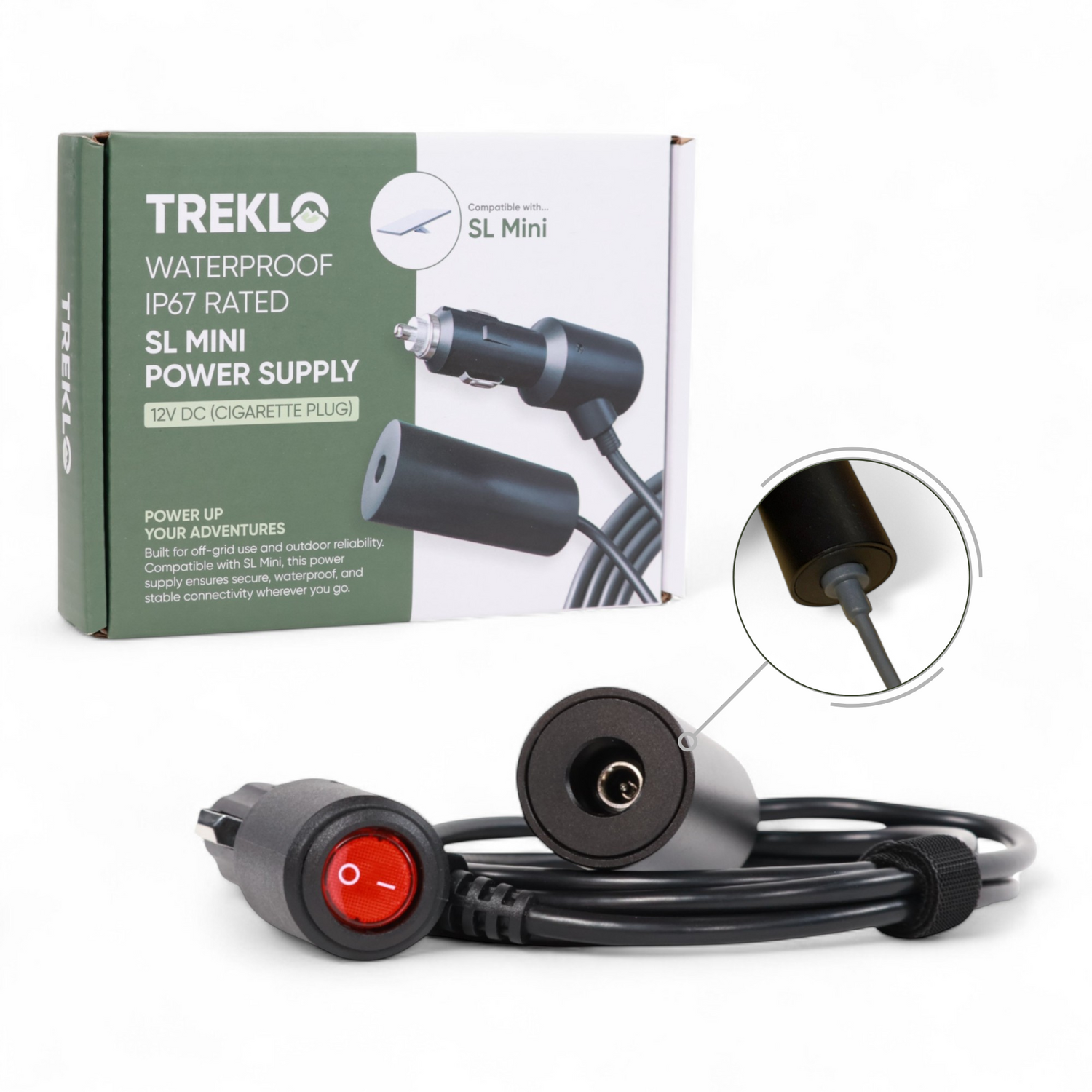
We’ve also released the new Aluminium IP67 Plug and Play adapter — an improvement in every way: sealed, cooler-running, and built to handle harsher conditions. Even if you’re not having problems, reach out to us and we’ll look after you with special upgrade pricing.